StoreRollback Pro
Install and manage StoreRollback Pro easily with this step-by-step guide.
Install and manage StoreRollback Pro easily with this step-by-step guide.
Before installing StoreRollback Pro, ensure the following are installed and active on your site:
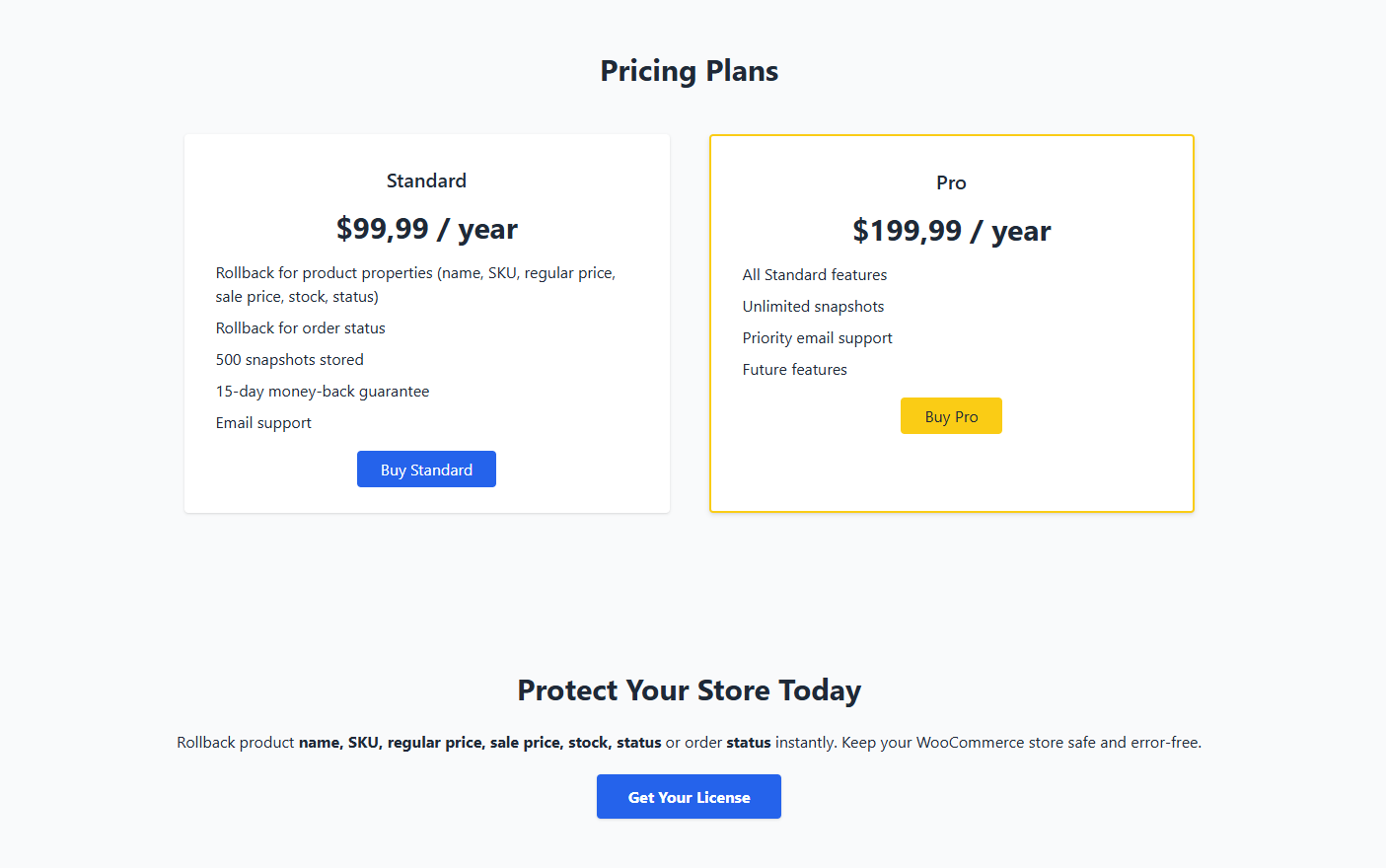
To get StoreRollback Pro, you need to purchase a license first:
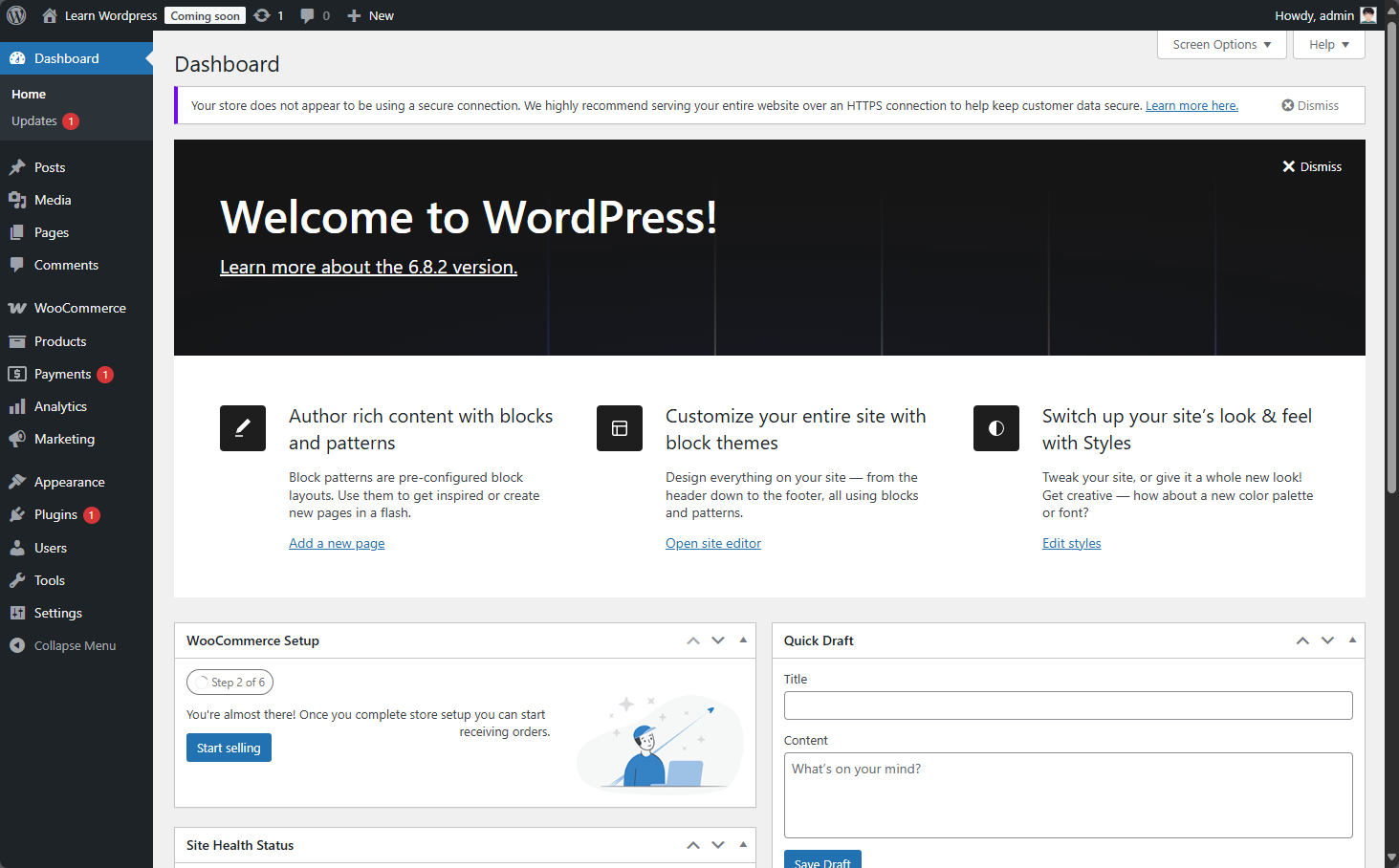
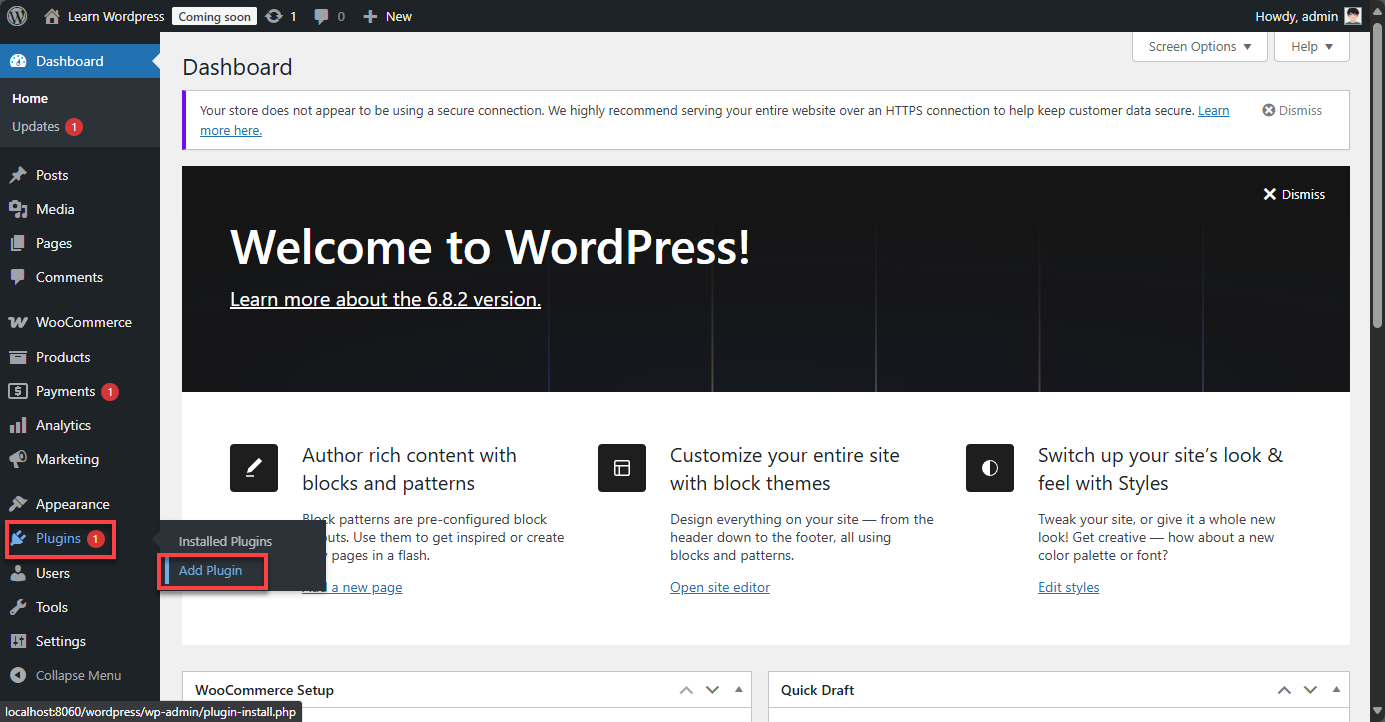
Login to your WordPress admin dashboard and follow these steps:
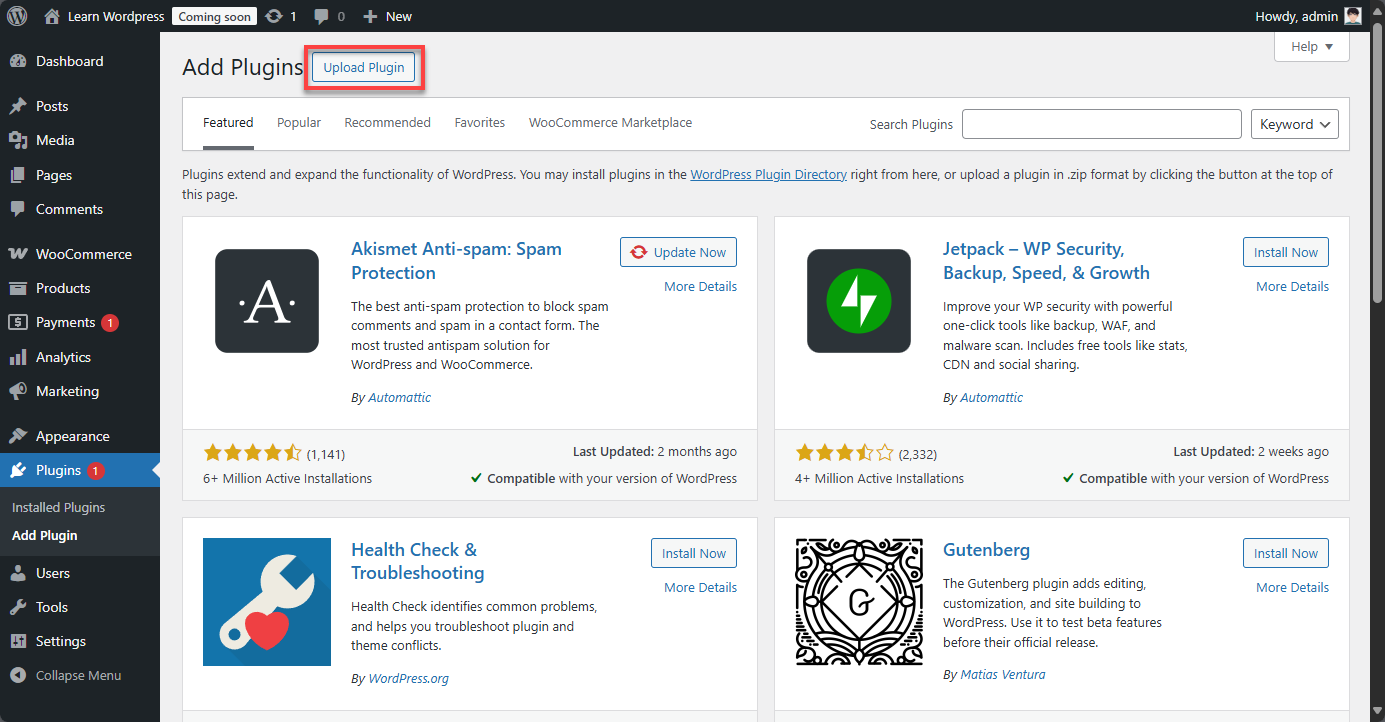
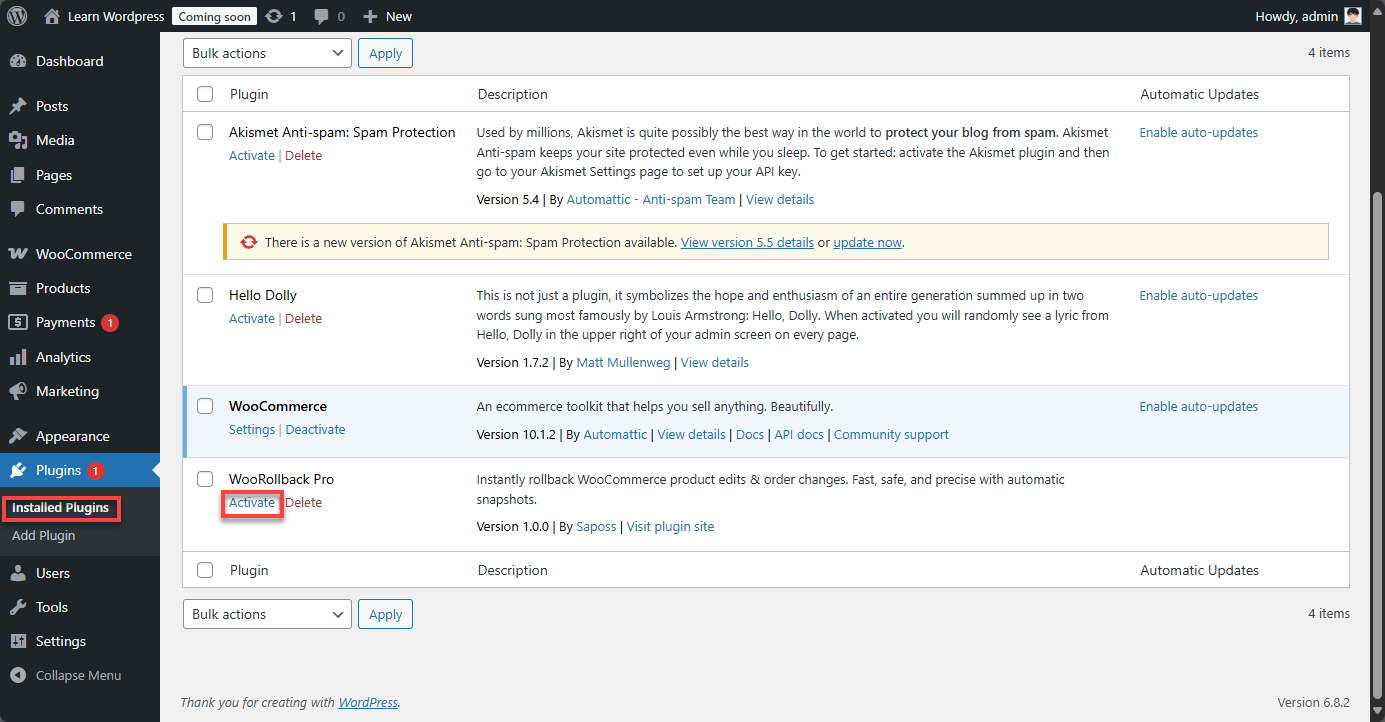
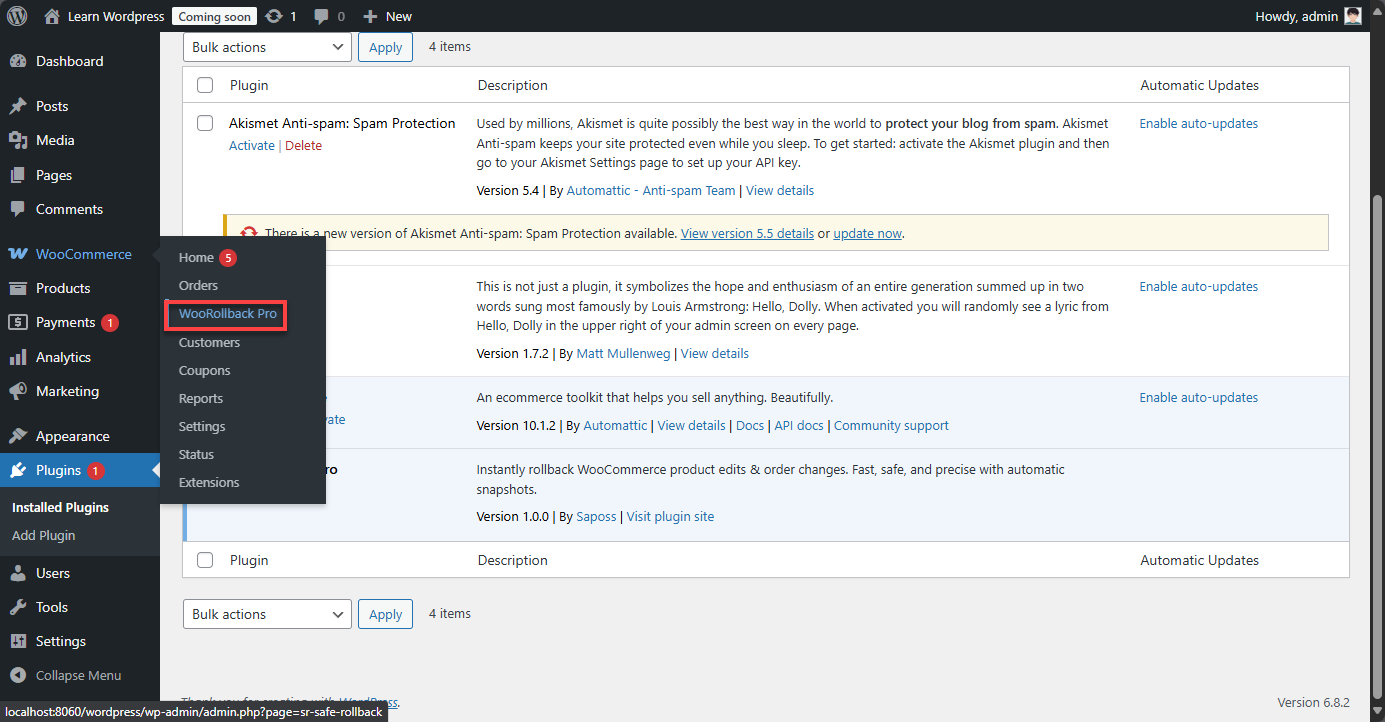
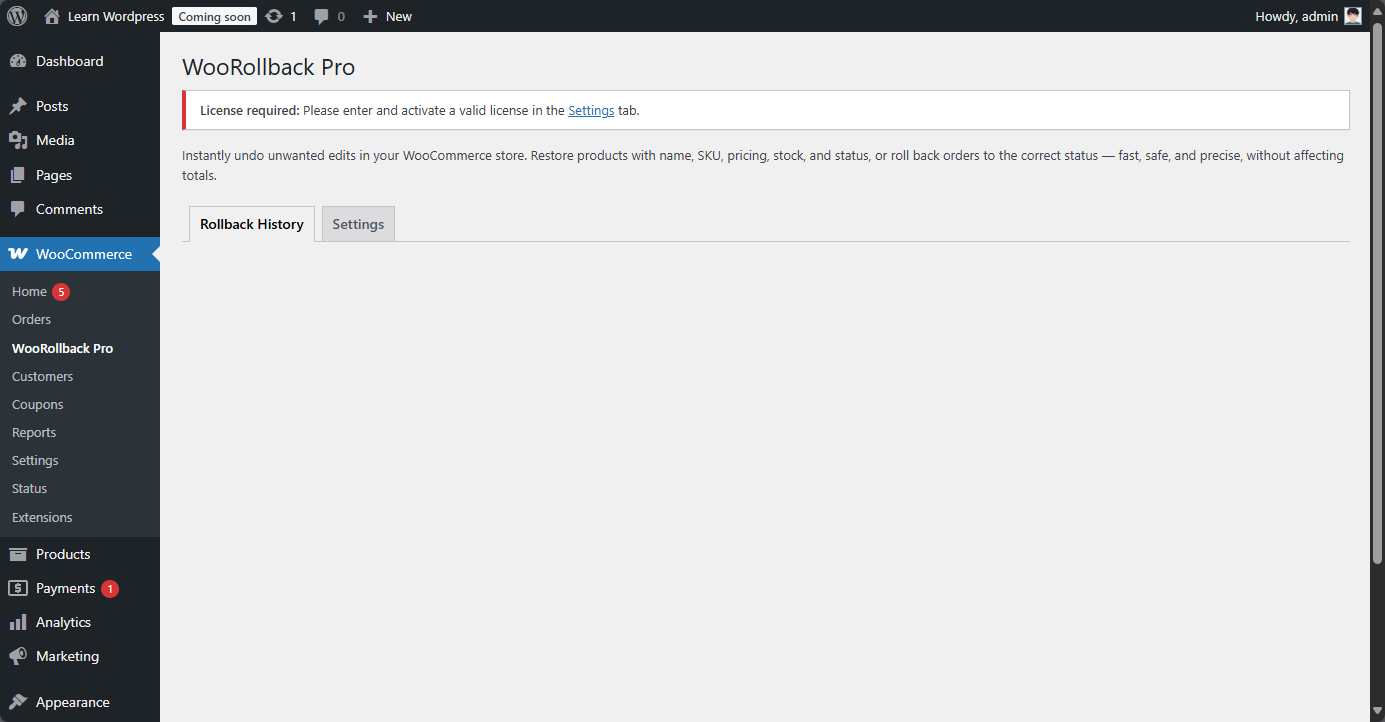
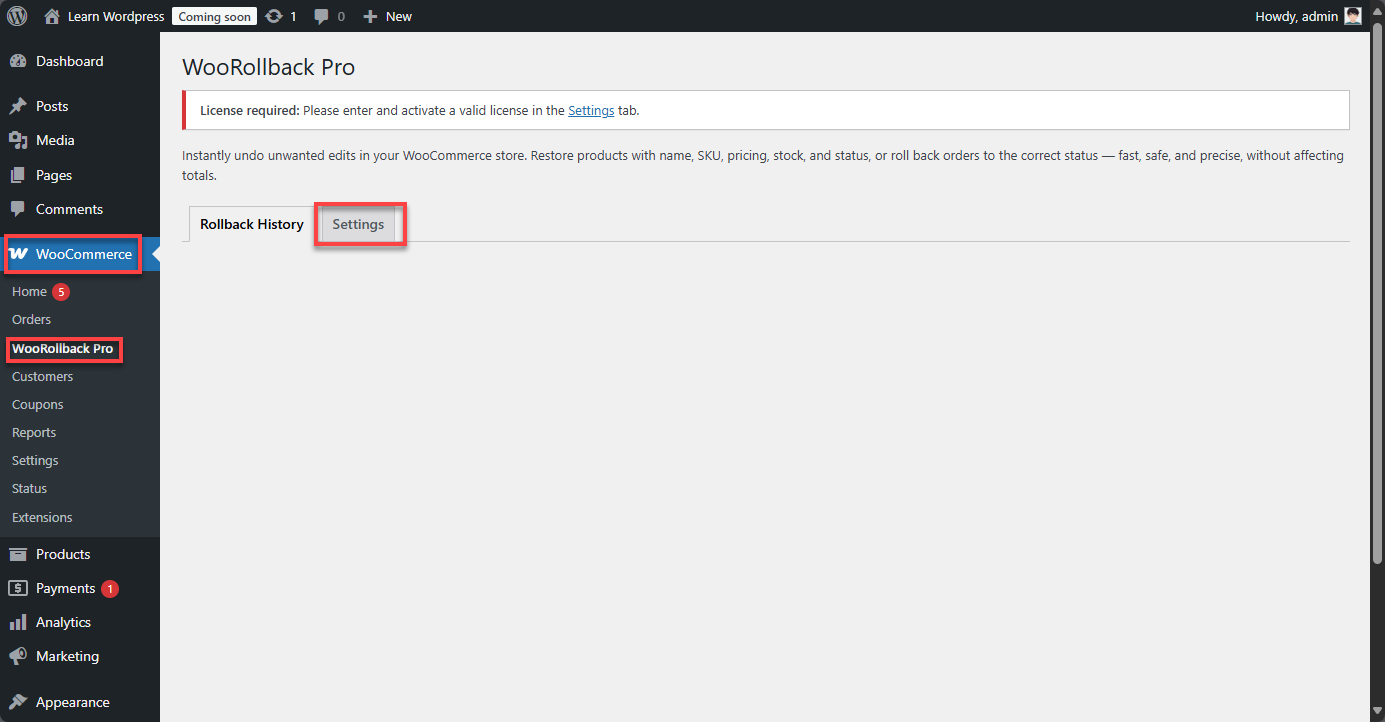
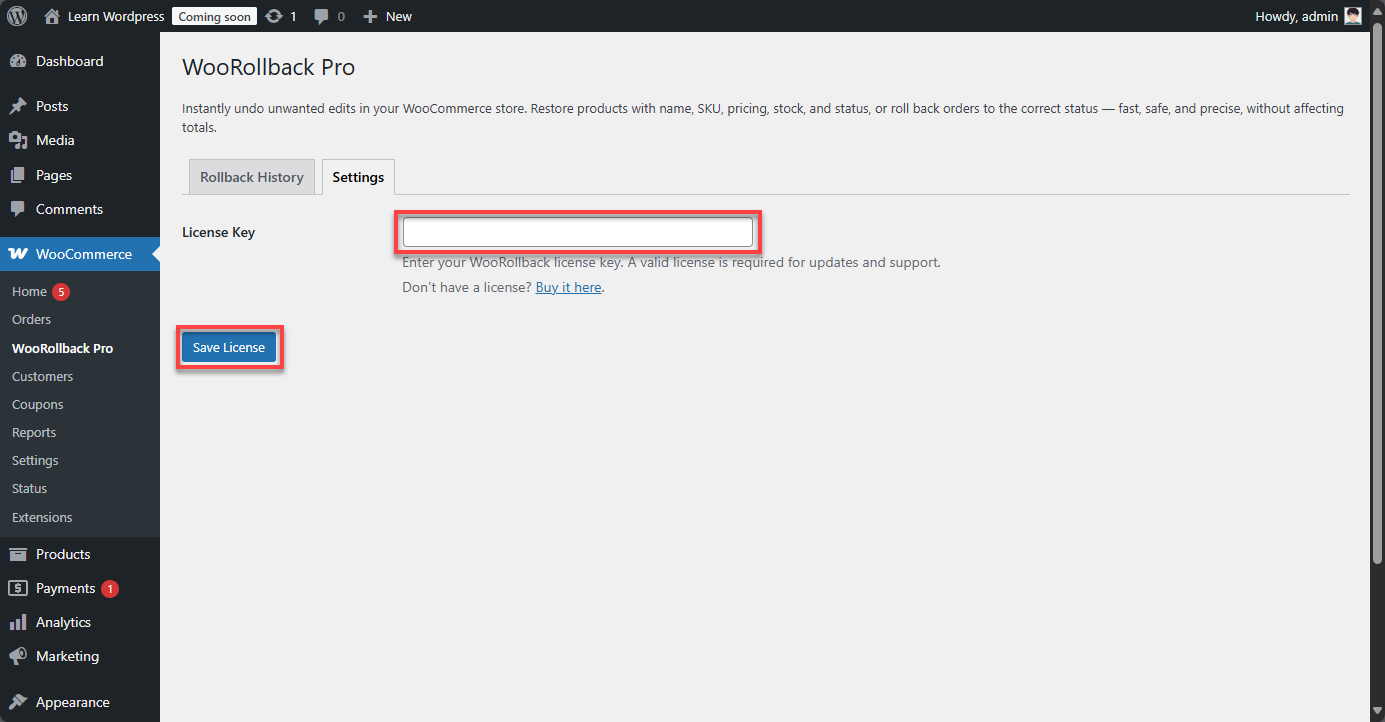
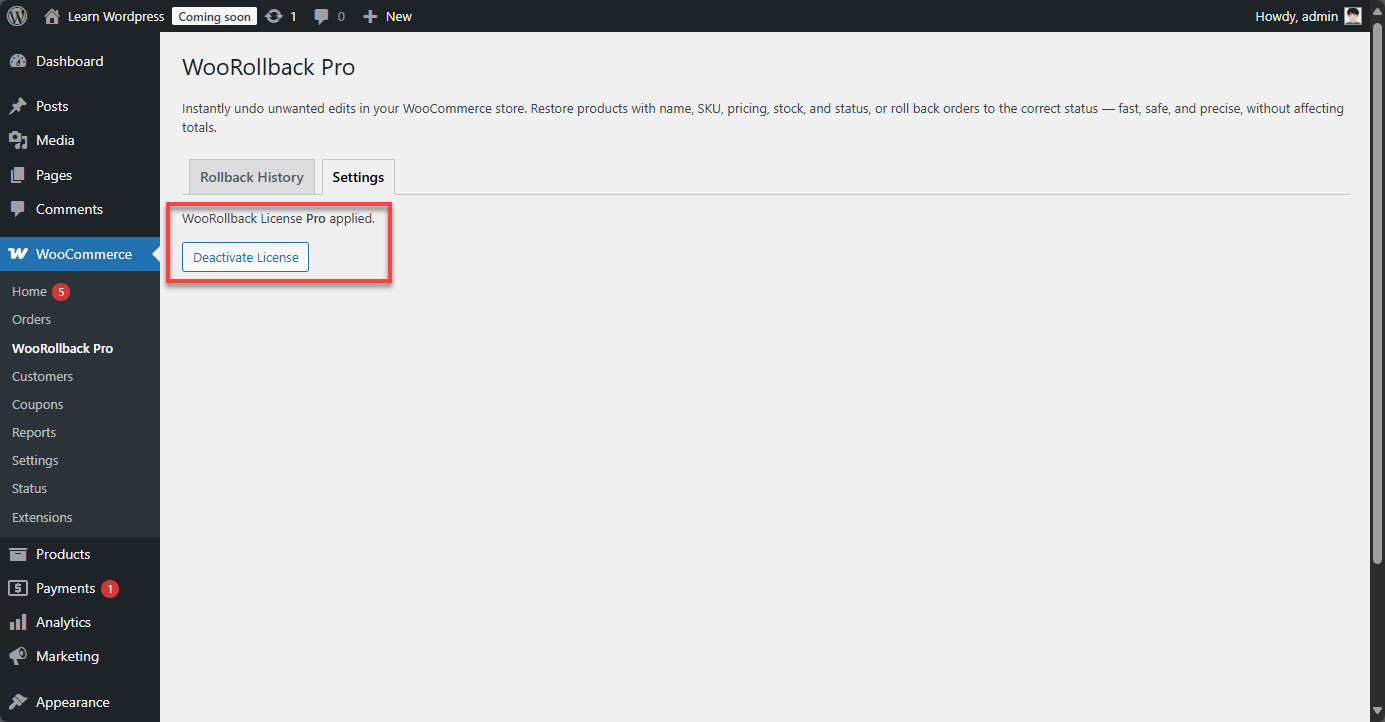
After activation, enter your license key to enable all features:
StoreRollback Pro automatically logs changes for products and orders:
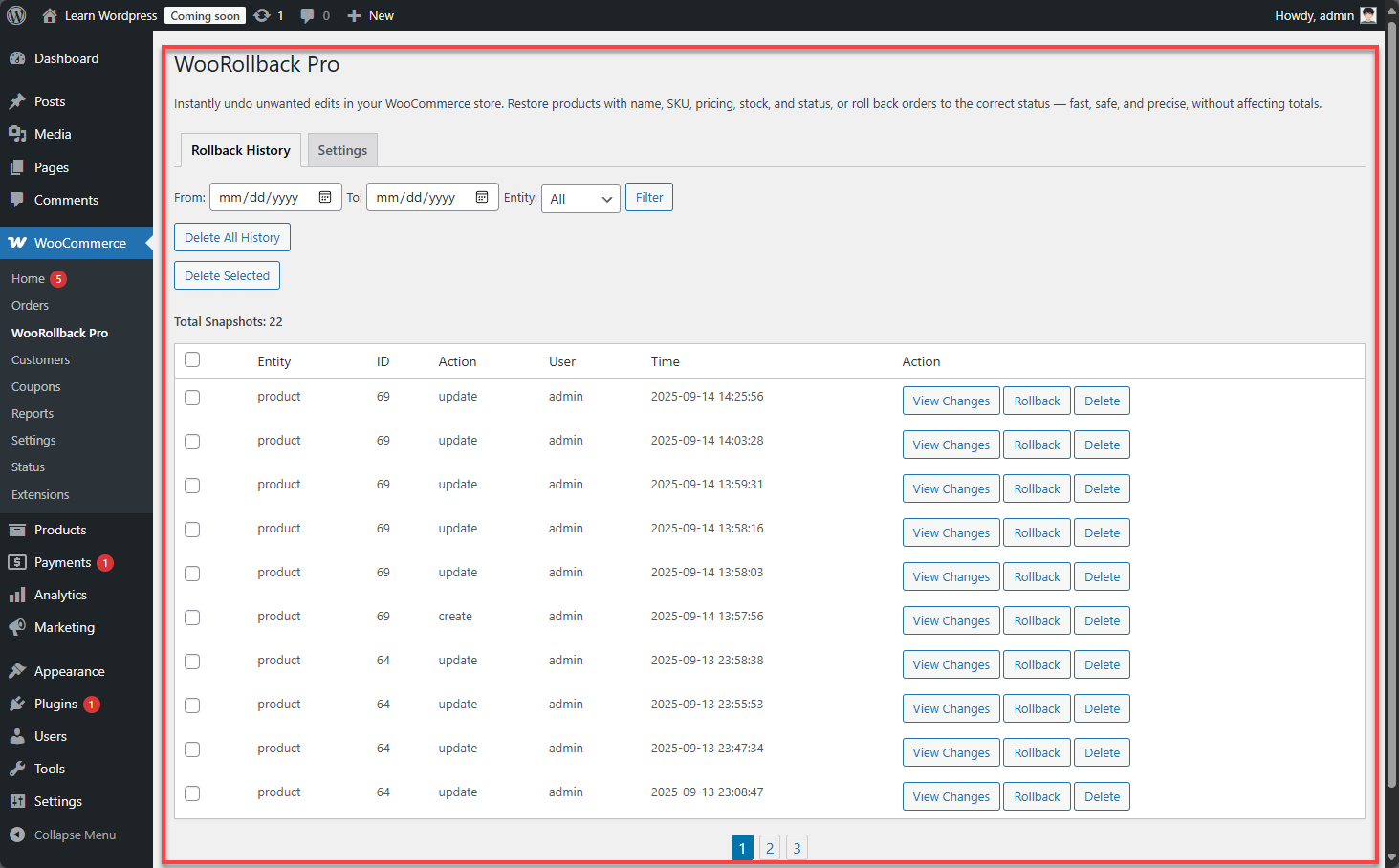
Start protecting your store by rolling back changes: